Vim Scoops / Lessons / Wallpapers
Vim cheat sheet wallpapers
The essential Vim commands, always behind your editor. Pick dark or light, then your screen size, and the PNG downloads straight away. Free, no sign-up.
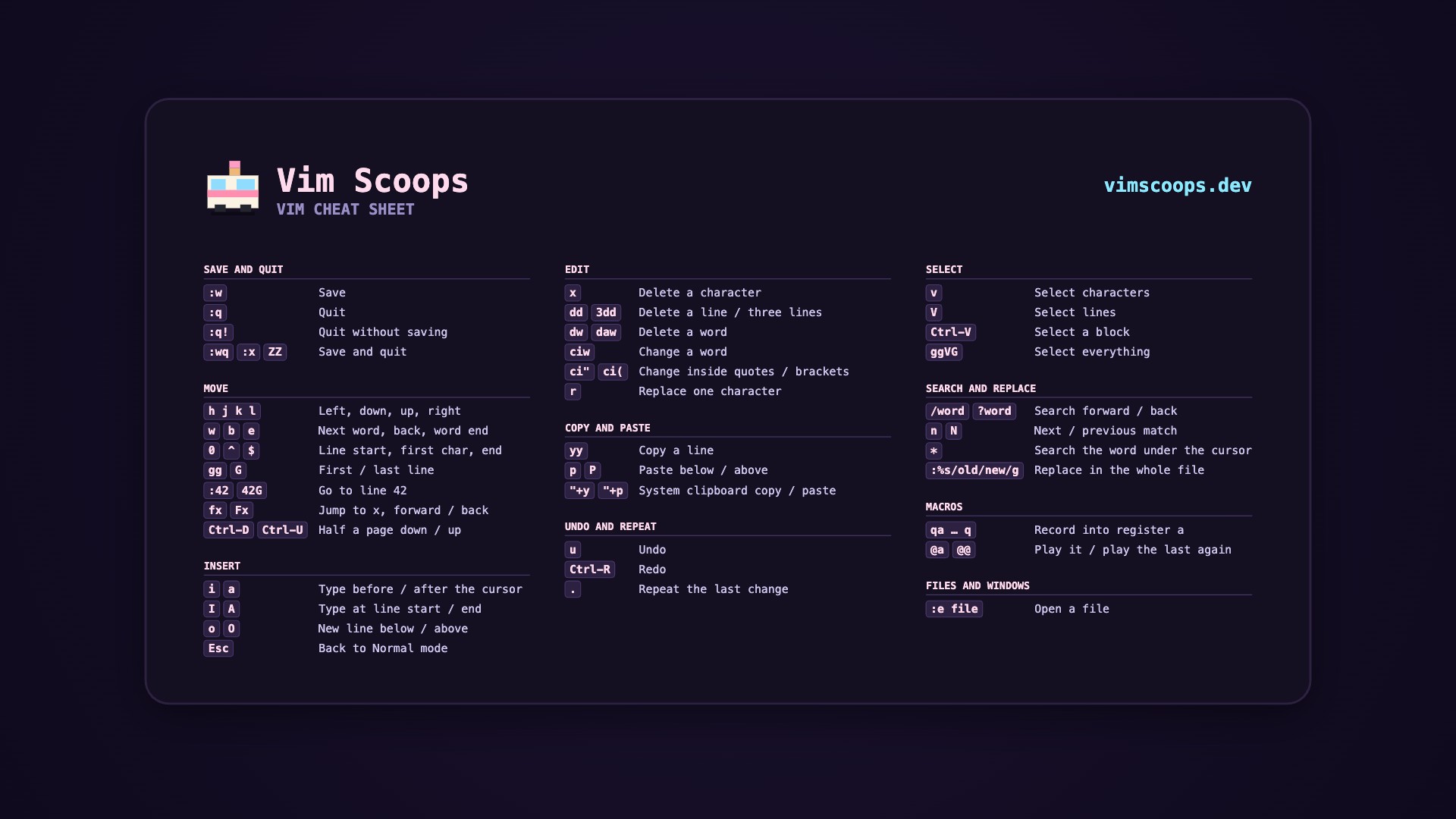
Or save the 1920 × 1080 previews directly: dark · light.
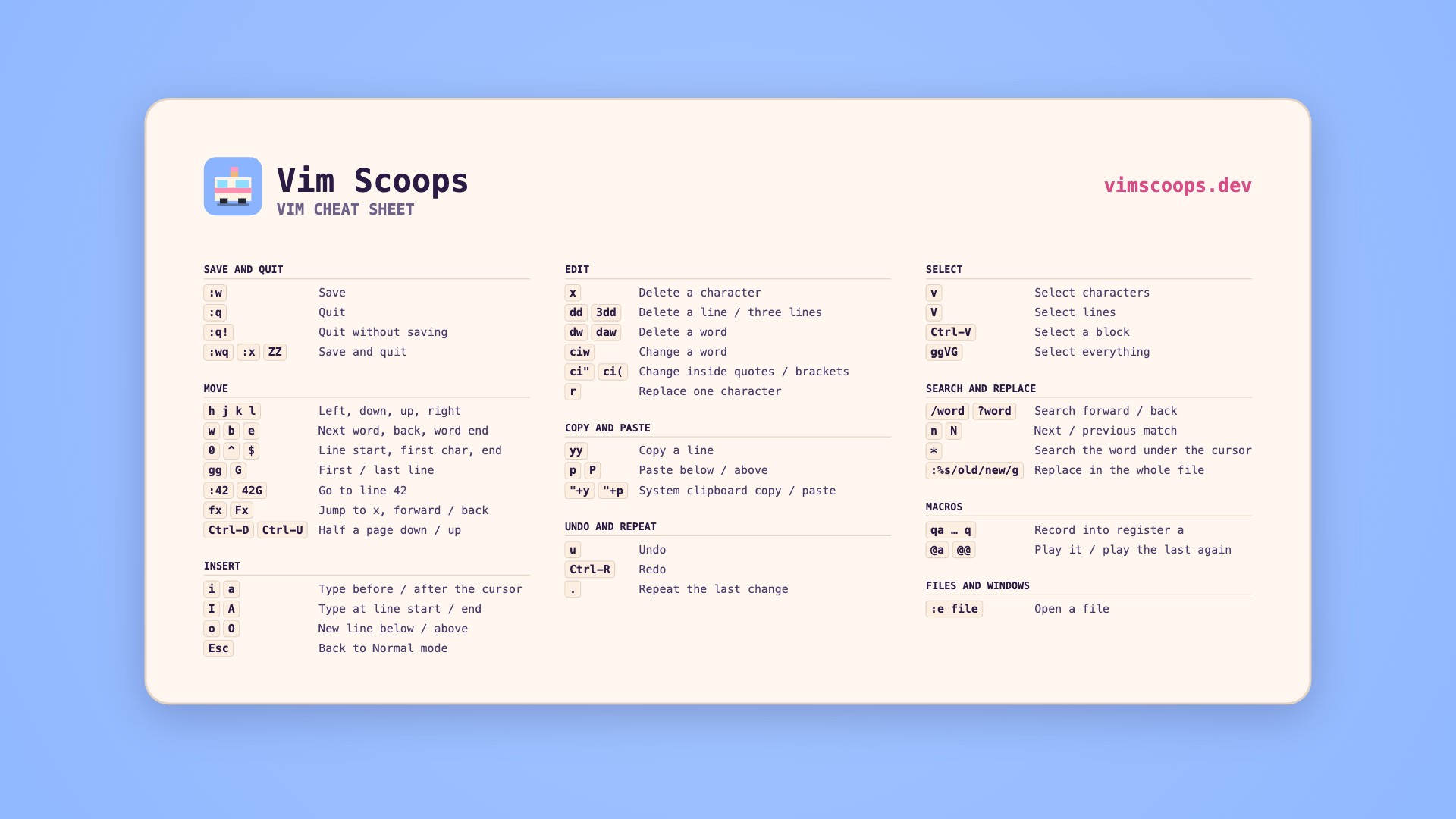
Setting it as your wallpaper
Mac: open System Settings, choose Wallpaper, then Add Photo and pick the file. Windows: right-click the file and choose Set as desktop background. Linux: most desktops let you right-click the file or the desktop and set it from there.
Want every command, not just the essentials? The full Vim cheat sheet has them all, and each lesson has a game to practise on.
Want all of Vim, in order? Vim Scoops is a free game that starts at h j k l and builds up to macros.
Play the full game